Kitchen Display System (KDS)
A modern kitchen runs on clarity, speed, and precision. Our Kitchen Display System (KDS) is designed to keep every station in sync, eliminate bottlenecks, and give staff the tools they need to deliver consistently great service — even during the busiest rush.
Features
Overview
This system isn’t just software — it’s a workflow tool built from real kitchen feedback. Every interaction and shortcut is crafted to help staff work faster, stay organized, and deliver consistent quality during every shift.
- Real‑time order updates
- Item‑level bumping
- Touch or Keyboard - bump‑bar support
- Two display modes: Columns and Tiles
- Configurable trasitions times and colors
- Reliable performance
- Works on any device and screen size
- Windows, Android, iOS, Linux
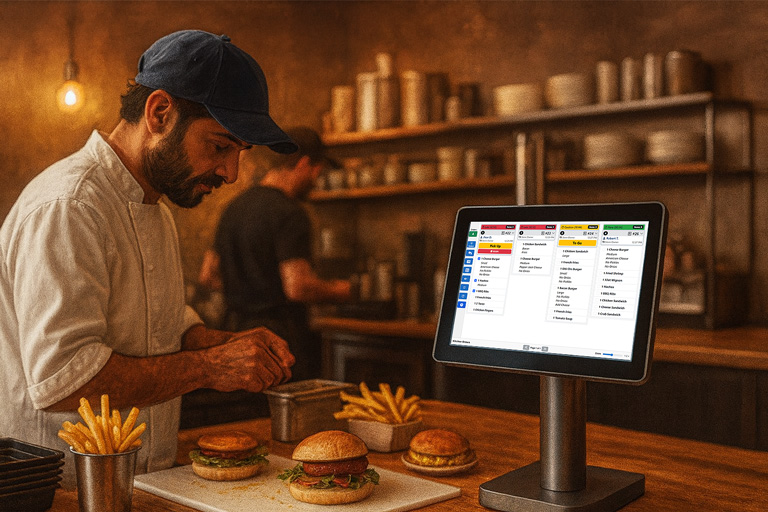
Real‑Time Order Tracking
As items and orders are completed, the system updates instantly across all stations. Managers and expo staff always have a live view of kitchen progress.
-
One‑key or touch item/order completion - Configurable notification sounds
- Fast, touch enable or touch‑free operation
- Clear visual feedback for completed orders
- Supports up to 4 stations plus one special station to view all orders
Advantages of using a Kitchen Display System (KDS) over traditional kitchen printers:
- Instant Updates: Orders appear immediately on screen — no waiting for printouts or reprints
- Live Modifications: Changes to orders (add-ons, voids) update in real time, reducing confusion and misfires
- No Paper Jams or Ink Issues: Eliminates downtime caused by printer malfunctions, low ink, or roll replacements
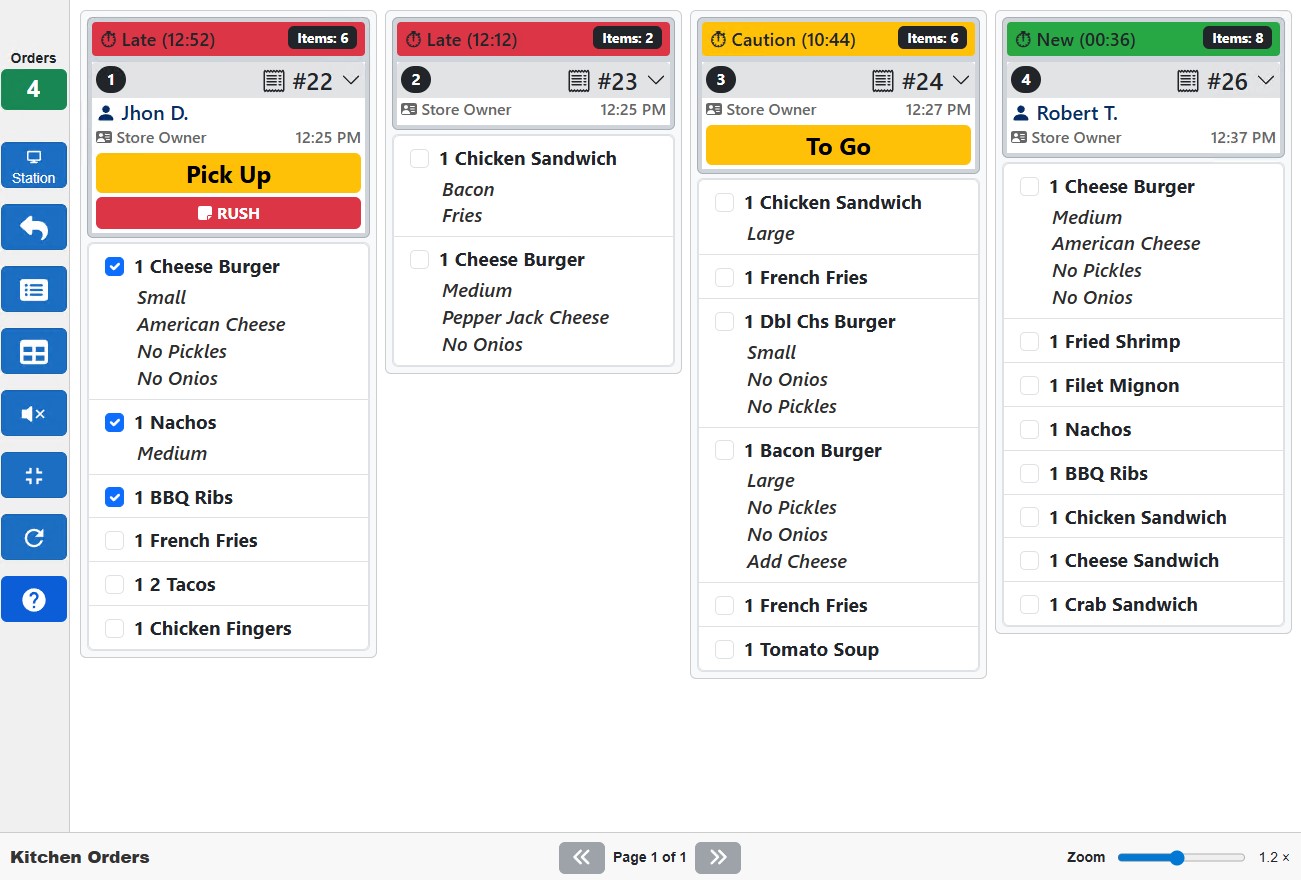
- Clear Visuals: Color-coded urgency, item grouping, and customer names make it easy to prioritize and organize
The KDS is engineered for real‑world kitchen conditions
Orders appear instantly on screen with clear formatting, real‑time updates, and automatic prioritization. Staff always know what to cook next, reducing delays and mistakes.
- Instant updates
- Optimized rendering for low‑power devices
- Transition colors and timers
- Paging and layout options
Touch‑Free or Touch‑Enabled
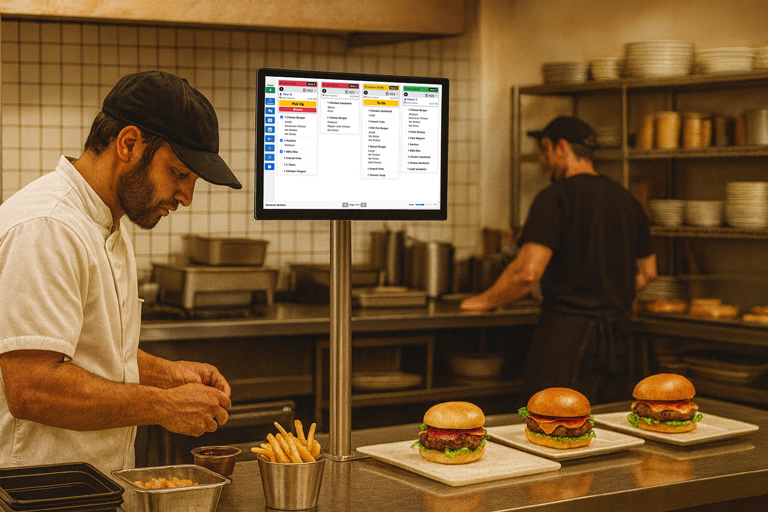
Whether your kitchen uses touchscreens, keyboards, or programmable bump bars, the KDS adapts. Staff can bump orders, navigate items, and manage tickets without ever lifting a finger from the controls.
- User friendly interface.
- Use touch screen devices
- Support keyboard and programmable bump bars
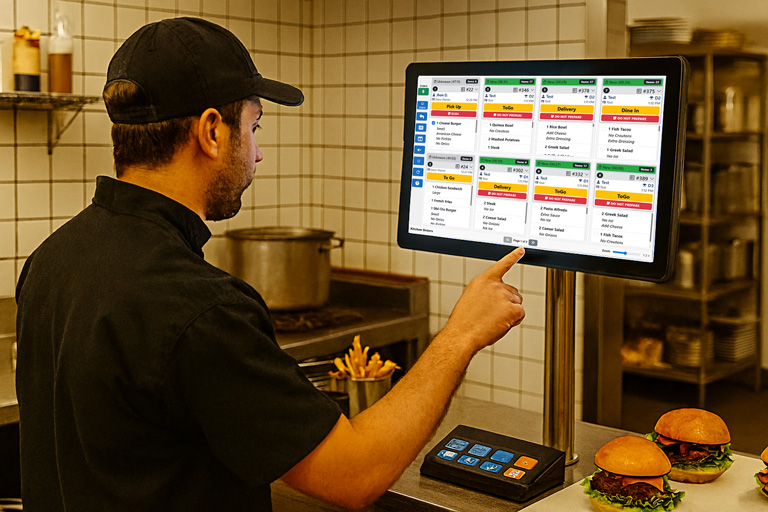
Consistent, Organized Screens
Two display modes ensure the perfect fit for any kitchen layout:
- Tiled View for compact, high‑density visibility
- Column View for traditional ticket‑style workflows
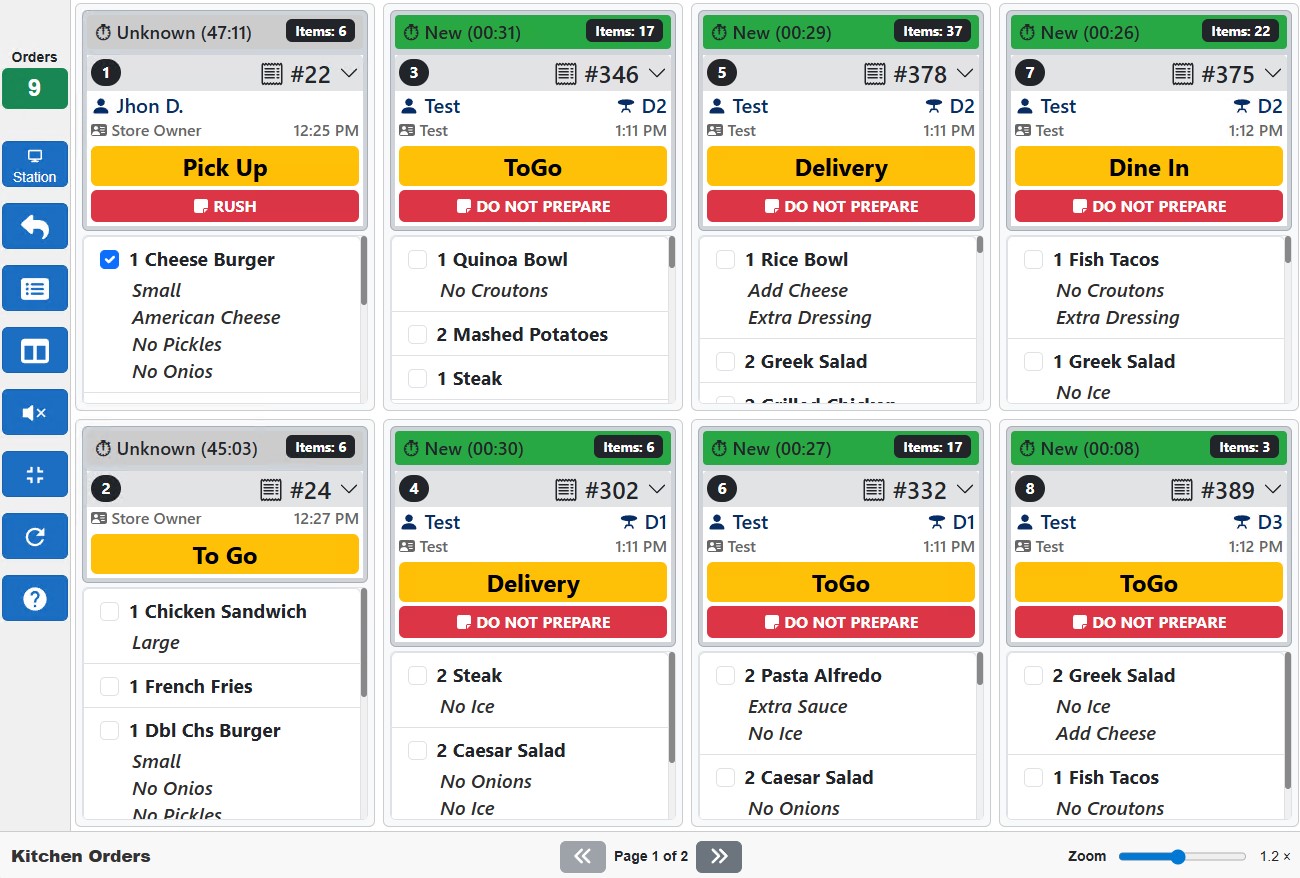
ZeusPOS KDS
Download and Purchase ZeusPOS KDS License
Download
KDS Server v.3.0.0
- ZeusPOS KDS Server for Windows 10 / 11 Home or Pro
- *KDS Clients (stations) can be opened on any web browser
- Windows, Android, iOS, MAC, Linux
ZeusPOS KDS License
$150.00
- Single KDS license. Can use up to 4 stations plus one special station to view all orders.
- *Requires ZeusPOS version 6.0.6 or higher. License sold separately